Make animated explainer videos from a script
Explain a product, a process, a safety rule or a policy with two characters talking it through. Write the script; StoryToon handles the acting, camera and subtitles.
Built for short explainers
- Script first. Paste your approved text and StoryToon times every line to its voice.
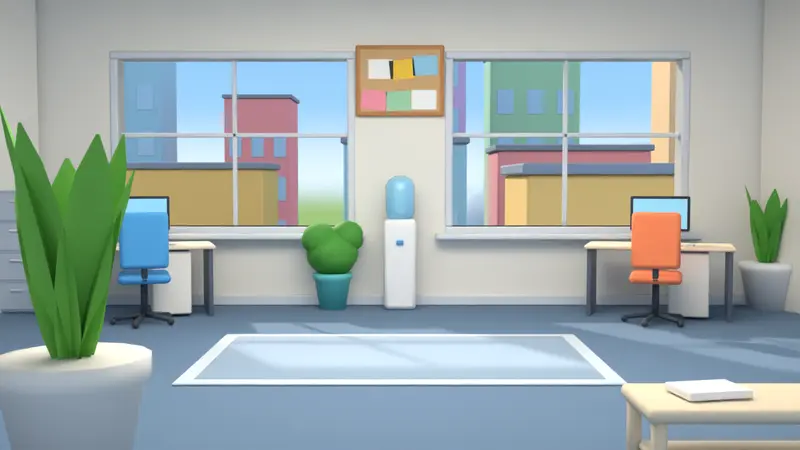
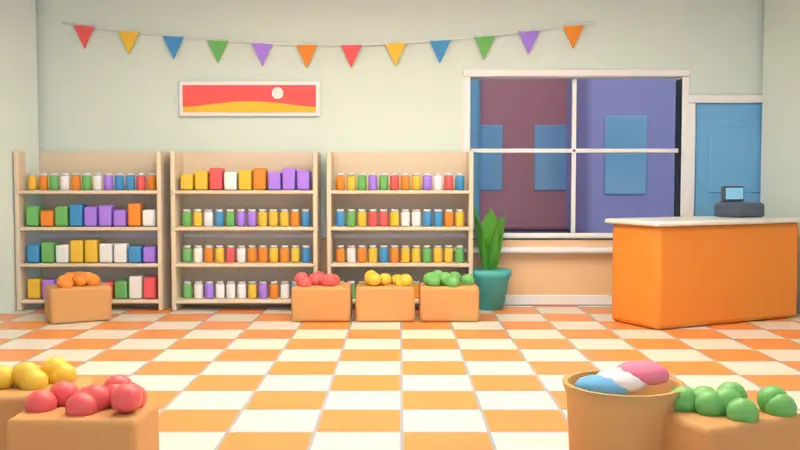
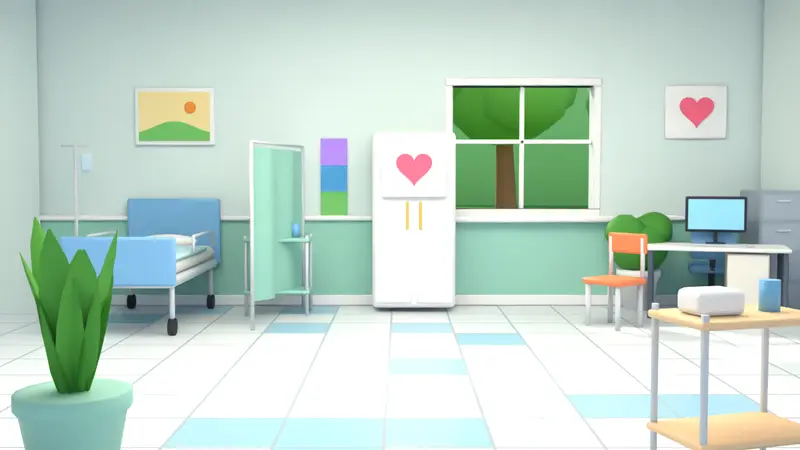
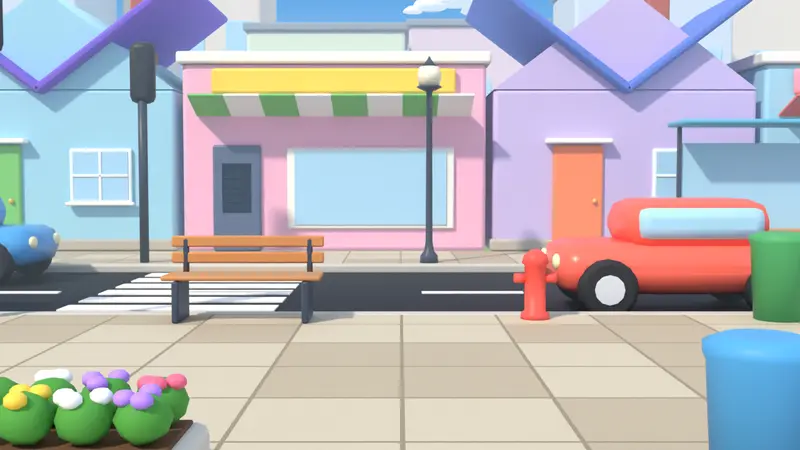
- Business settings. Office, shop, hospital, street and classroom places; young adults, doctors, shopkeepers and more.
- Brand kit (Studio): your logo, intro and outro cards and colours.
- Approval before export (Studio and Team): a manager signs off before a video is made.
Formats for every channel
16:9 for websites and presentations, 9:16 for Reels and Shorts, 1:1 and 4:5 for social feeds. Subtitles can be burned in for silent autoplay or saved as SRT. Studio exports up to Max quality and 60 minutes and includes full commercial use.
How to do it in three steps
Paste your script
Two characters, one place, and the explanation as dialogue.
Add your brand
Use the brand kit for your logo and intro, and pick voices that fit your audience.
Export for each channel
Export 16:9 for your website and 9:16 or 1:1 for social media.
An example script
Copy it into Script mode and press Play:
TITLE: How Returns Work
SCENE: shop, day
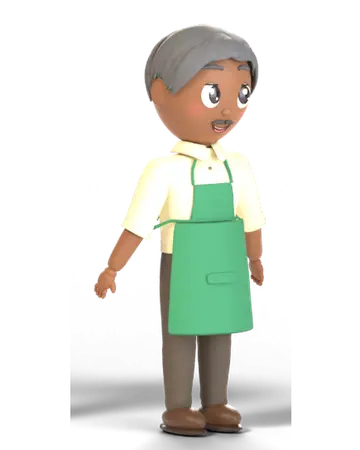
CAST: Nadia = young_woman_1, Omar = shopkeeper

Nadia walks in from left and stands at left
Omar enters from right
Nadia (confused): Can I return these shoes?
Omar (happy): Of course! Bring them back within 14 days with your receipt.
Nadia (thinking): And if I lost the receipt?
Omar (proud): We can find it with your phone number.
Nadia (happy): That is easy, thank you!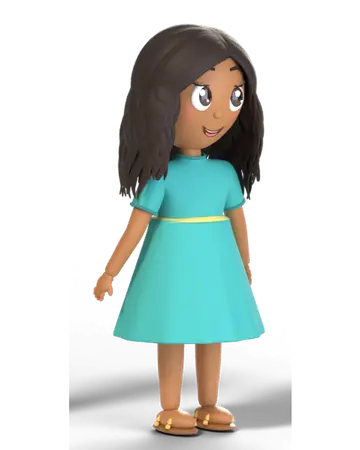

Frequently asked questions
Can I use explainer videos commercially?
Full commercial use is included on Studio and Team. Pro and Lifetime cover personal and YouTube use. See the video licence.
Is it like Vyond or Powtoon?
StoryToon is script-first and rule-based: you write the dialogue and it directs the scene, rather than placing everything by hand. See our honest comparison page.
Ready to make your first cartoon?
Write a few lines, press Play, and export a video. The Free plan needs no card.