Turn your story script into a cartoon video
Write what your characters say and do. StoryToon animates them with voices, lip-sync, camera moves and subtitles, and exports an MP4, all inside your browser.
Already have an account? Log in
- Free plan: 1 video per day, up to 30 seconds, 720p, with a small watermark
- No card, no install, no AI needed
- 100 3D characters and 26 places
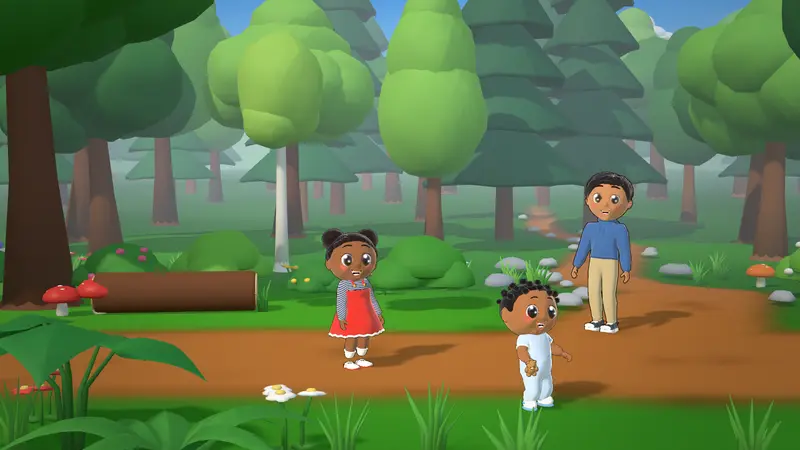
Make a cartoon in three steps
No animation skills needed. If you can write a story, you can make a cartoon.
Write your story
Type a short script in plain English, fill in simple cards, or start from a ready-made template. One line per thing that happens: who moves, who speaks and how they feel.
Pick characters, a place and voices
Choose from 100 3D characters and 26 places with day, sunset, night and rain lighting. Every character gets a voice made in your browser, or record your own.
Press Export
StoryToon animates the characters, syncs their mouths to the voices, moves the camera and adds subtitles, then makes an MP4 video on your computer.
Write it like a play. StoryToon does the acting.
Names, feelings and actions in plain words. The director walks characters to their spot, turns them to face each other, times each line to its voice and picks camera shots.
TITLE: The Brave Little Lion
SCENE: forest, day
CAST: Leo = lion, Mia = girl

Leo enters from left and walks to center
Mia runs in from right & waves
Mia (happy): Leo! Are you ready for the big race?
Leo (scared, whisper): I am a little bit scared...
Mia (proud): Being scared is fine. Let's try together!
Leo nods
Leo (happy): Okay. Let's go!
Leo runs to right & Mia runs to right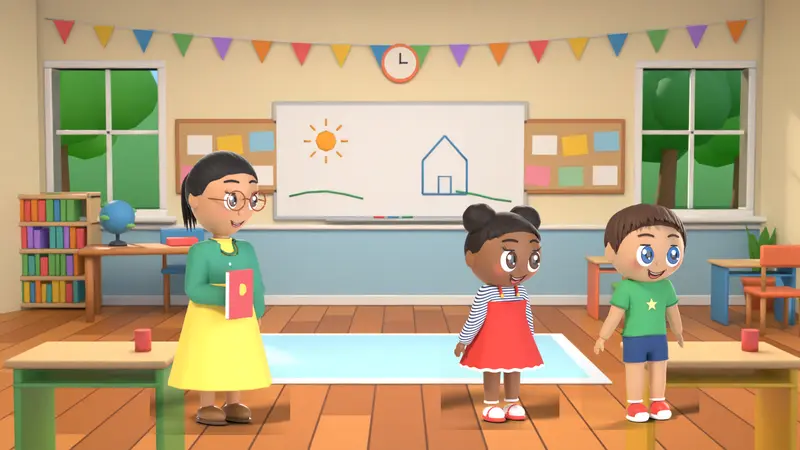
Everything a short cartoon needs
Built for kids’ story channels, teachers, small businesses and anyone with a story to tell.
Three ways to direct
Cards with dropdowns for beginners, Script mode for fast typing, and a Timeline for full control. All three edit the same story.
Voices in your browser
Natural Piper voices and eSpeak NG voices with pitch, speed and effects like robot, echo and radio. Or record your own voice.
Lip-sync and expressions
Mouths move with every line, and 12 emotions change the face and the body, from happy and proud to scared and confused.
Automatic camera
An optional rule-based director moves to whoever is speaking and changes shots so the video never feels static.
Subtitles and titles
Burned-in subtitles or an SRT file, speech bubbles, title cards and end credits. Urdu and Arabic read right to left.
Private and offline
Drawing, voices and video encoding run on your computer by default, and the video file stays on your device unless you choose to store it in My videos.
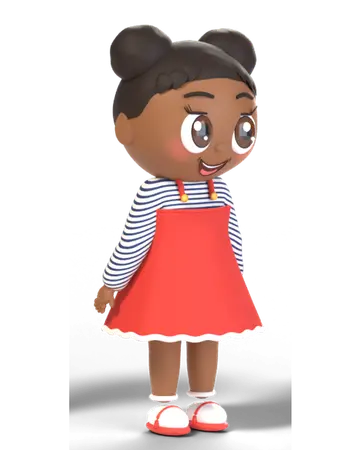
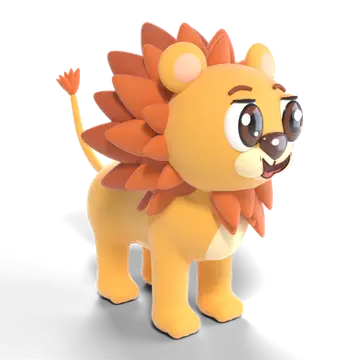
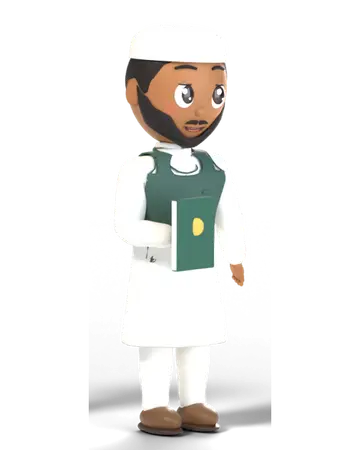
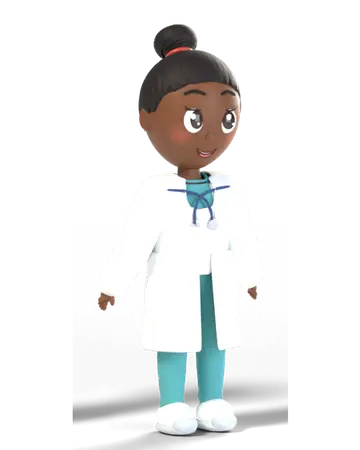
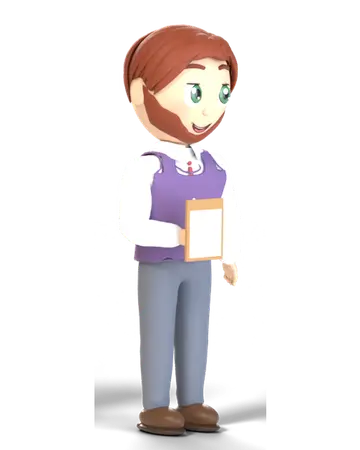
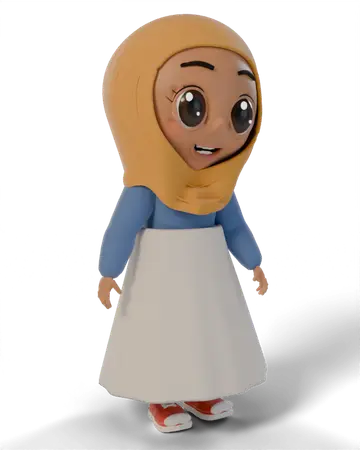
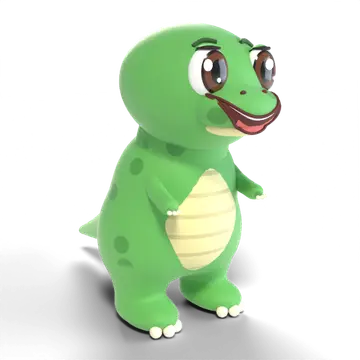
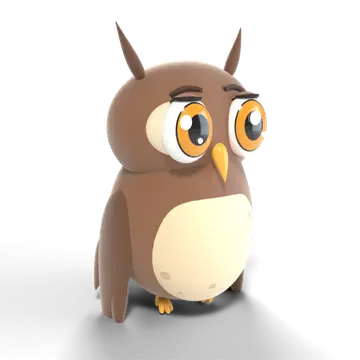
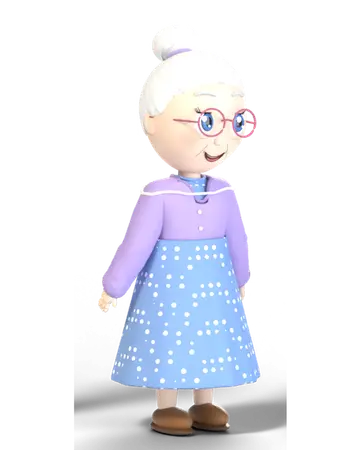
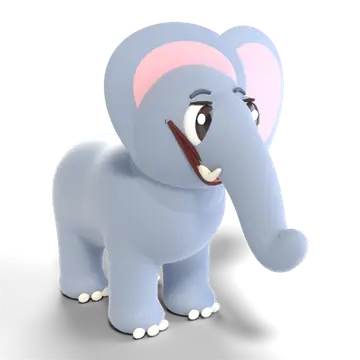
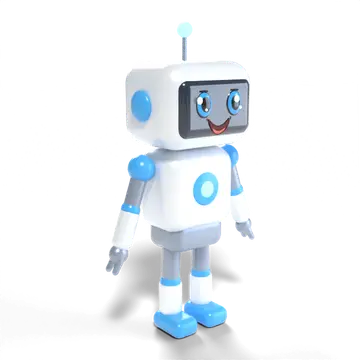
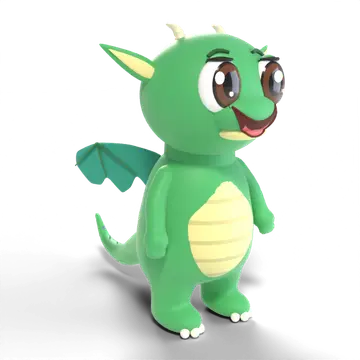
100 cartoon characters, ready to act
People of every age, jobs and roles, animals, birds, dinosaurs and dragons. Every one can walk, talk, wave, laugh and show 12 emotions.
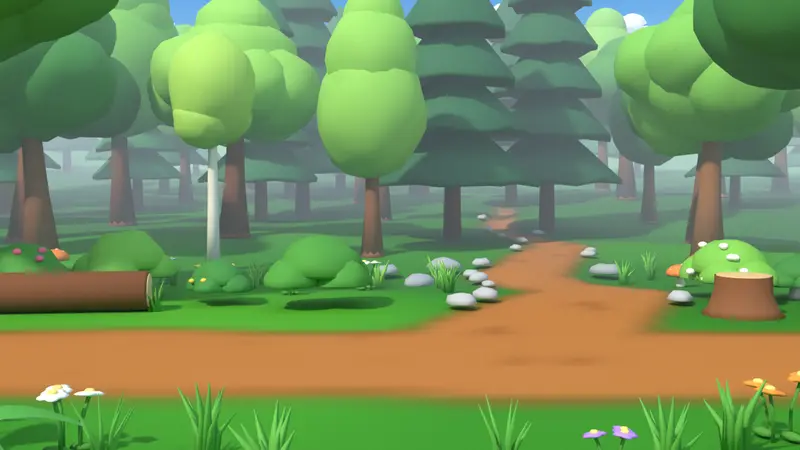
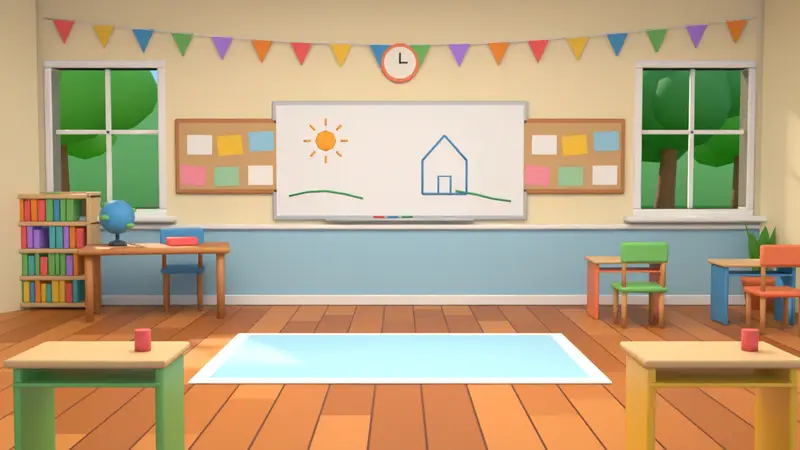
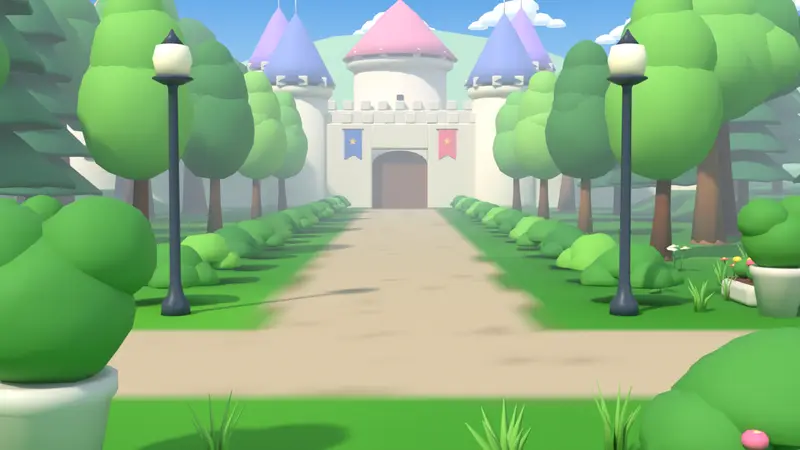
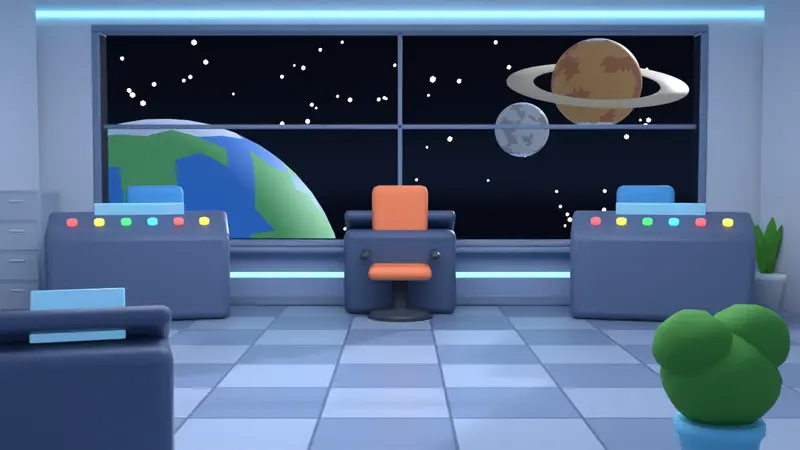
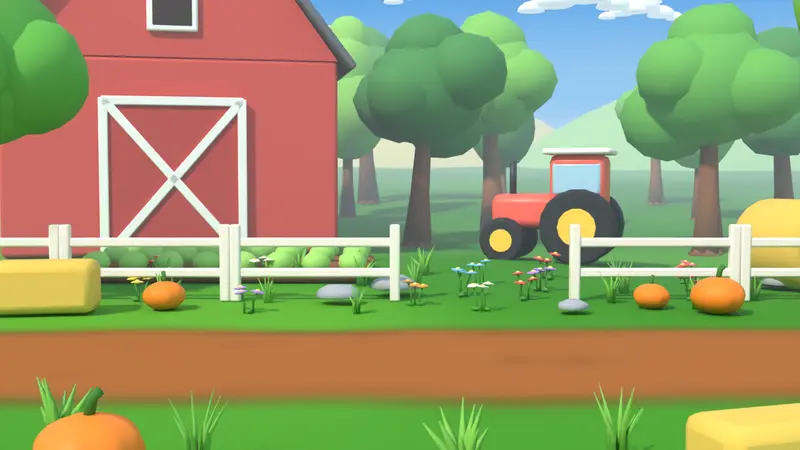
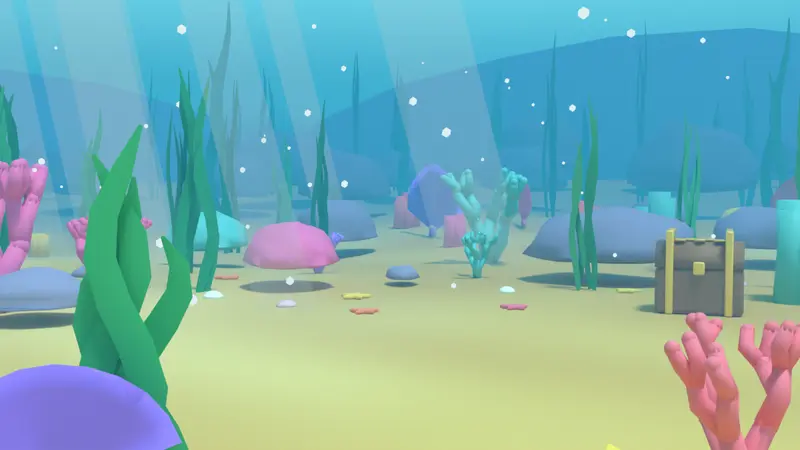
26 places for your stories
Homes, school, city, nature and fantasy scenes, each with day, sunset, night and rain (or snow) lighting.
What people make with StoryToon
Kids YouTube cartoons
Bedtime stories, nursery rhymes and moral tales for a kids’ channel, in 16:9 or 9:16 for Shorts.
Classroom cartoons
Turn a lesson into a short cartoon, or let students write and direct their own stories.
Islamic & moral stories
Respectful characters, including a molvi and a girl in hijab, for stories about honesty, kindness and manners.
Urdu, Hindi & Arabic
Subtitles in Urdu, Hindi and Arabic (right to left where needed), with computer voices or your own recording.
Birthday videos
A short cartoon with the birthday child’s name, friends and a party scene, made in minutes.
Explainer videos
Explain a product, a process or a policy with characters in an office, shop or classroom.
Offline cartoon maker
No AI needed: keep editing and previewing without internet; videos are rendered in your browser by default.
Start free. Upgrade when you need more.
Previews are always unlimited. Only the final export counts.
Free: Free
1 video per day, up to 30 seconds, 720p, with a small watermark. 20 characters, 10 places, 16 voices, 3 cloud projects.
Pro: $9 / 30 days
Unlimited exports (fair use), up to 4K, videos up to 15 minutes, no watermark, all characters and voices. Personal and YouTube use.
Studio: $29 / 30 days
Max quality (up to 8K where the computer supports it), videos up to 60 minutes, premium voices, brand kit, 3 seats, full commercial use.
AI optional. Rendered in your browser by default. No surprises.
- Rule-based at the core. The same script always gives the same cartoon, and everything works without AI. Nothing you write is sent to an AI service unless you choose an optional AI feature, using your own key.
- Your computer does the work. Rendered in your browser: the video file stays on your device unless you choose Render on my GPU (Beta) or save it to My videos, which stores the MP4 in your export history.
- Keeps working offline. Once the studio is open you can keep editing and previewing without internet. Starting a video export needs a connection and a free account.
- No ads and no tracking cookies. Projects saved in the cloud are encrypted per account.
Good to know
Exports run on your own computer, so speed depends on your device. A recent laptop with Chrome or Edge works best. You can watch shared links on a phone, but making cartoons works best on a laptop or desktop.
Frequently asked questions
What is StoryToon?
StoryToon (also written Story Toon) is a free online cartoon maker that turns a written story or script into an animated cartoon video. You write what the characters say and do; StoryToon adds voices, lip-sync, camera moves and subtitles, and exports an MP4 in your web browser. AI is optional.
It comes with 100 3D characters and 26 places. See all features or how it works.
Is StoryToon really free?
Yes. The Free plan lets you make and preview as many cartoons as you like, and export 1 video per day, up to 30 seconds, 720p, with a small watermark. No card is needed. Paid plans remove the watermark and allow longer, sharper videos.
Does StoryToon use AI?
Only if you want it. StoryToon works fully without AI: it reads your script with fixed rules and a word list, and a rule-based "director" handles timing, camera moves and acting, so the same script always gives the same cartoon. AI features are optional and off by default.
That keeps it fast, private and predictable. If AI features are on for your account, you can bring your own key to let an AI write or improve a script, which you can still edit by hand. See Use your own AI key.
Can I make a cartoon from my own script?
Yes, that is the main idea. Write lines like Leo (happy): Hello! or Mia runs to right. Red underlines show anything StoryToon does not understand, with a one-click fix. See the script guide.
Do I need to install anything?
No. StoryToon runs in your web browser. A recent desktop Chrome or Edge gives the fastest exports. Once it is open, editing and preview keep working without internet.
Can I make cartoons in Urdu, Hindi or Arabic?
Yes. Subtitles support Urdu, Hindi and Arabic (Urdu and Arabic read right to left), and there are Urdu, Hindi and Arabic computer voices. Those voices come from eSpeak NG and sound robotic, so many creators record their own voice instead. The studio screens are in English.
Who owns the videos I make?
You do. What you may use them for depends on your plan: personal use on Free, personal and YouTube on Pro and Lifetime, and full commercial use on Studio and Team. See the video licence.
Ready to make your first cartoon?
Write a few lines, press Play, and export a video. The Free plan needs no card.