Make cartoons in Urdu, Hindi and Arabic
Write your story in your own language. StoryToon shows the subtitles correctly (Urdu and Arabic right to left) and can voice it, or you can record the lines yourself.
What works today
| Feature | Urdu | Hindi | Arabic |
|---|---|---|---|
| Dialogue and subtitles | Yes, right to left | Yes | Yes, right to left |
| Computer voice | eSpeak NG (robotic) | eSpeak NG (robotic) | eSpeak NG (robotic) |
| Your own recording | Yes | Yes | Yes |
| Studio screens | English | ||
The natural-sounding Piper voices are English for now. For the best result in Urdu, Hindi or Arabic, record your own voice: every plan can, and the mouths follow your recording.
How to write the script
Keep the script keywords and character names in English (SCENE:, CAST:, actions like walks), and write the spoken words in your language after the colon. Pick the Urdu, Hindi or Arabic voice for each character in the inspector.
Who uses it
- Kids’ story channels in Pakistan, India and the Gulf
- Teachers making Urdu or Arabic lessons
- Islamic and moral story creators
- Families making birthday and Eid videos
How to do it in three steps
Write the lines in your language
Script keywords stay in English; the dialogue after the colon can be Urdu, Hindi or Arabic.
Choose voices or record
Pick the Urdu, Hindi or Arabic preset, or record each line with your microphone.
Export with subtitles
Burn the subtitles into the video or save an SRT file, then export the MP4.
An example script
Copy it into Script mode and press Play:
TITLE: Salaam, Dost!
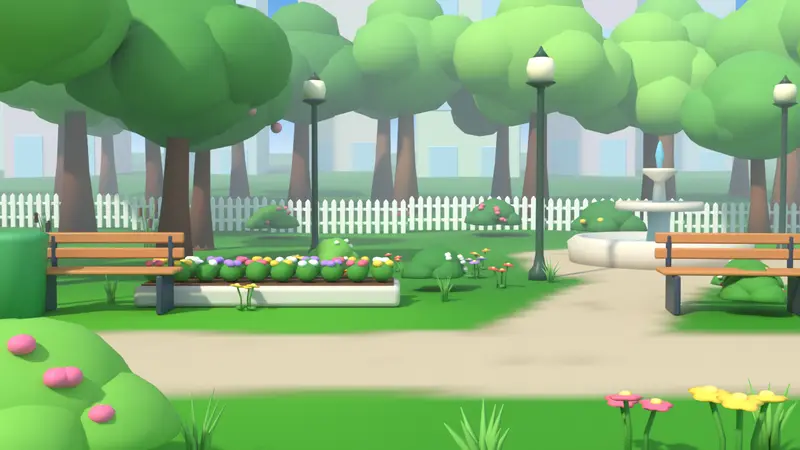
SCENE: park, day
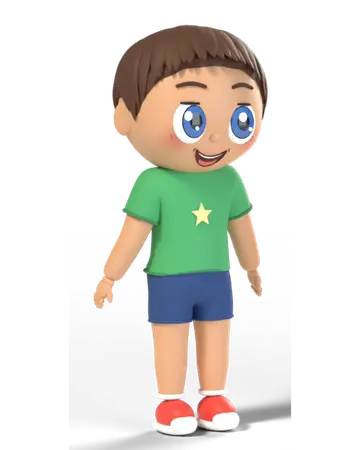
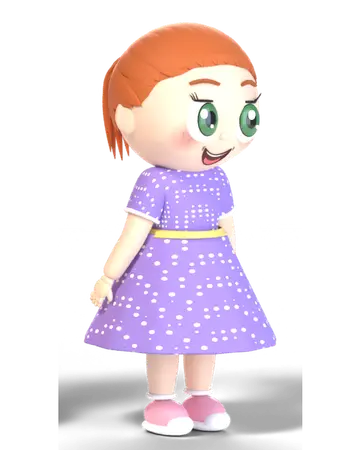
CAST: Ali = kid_boy_1, Zara = kid_girl_2

Ali walks in from left and stands at center
Zara enters from right
Ali (happy): السلام علیکم زارا!
Zara (happy): وعلیکم السلام علی! آؤ کھیلیں۔
Ali nods
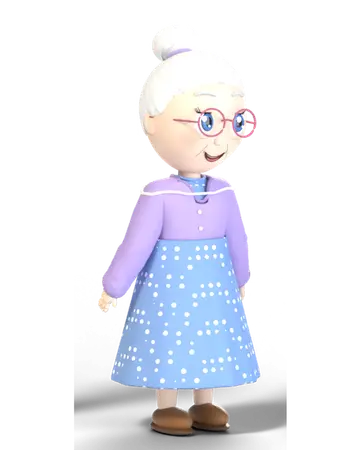
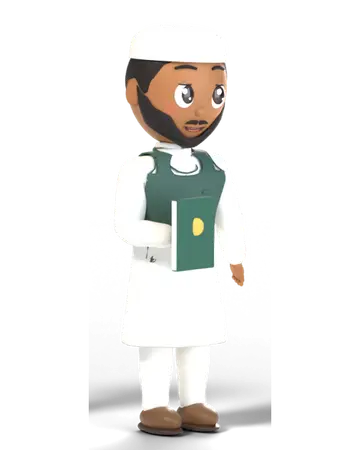
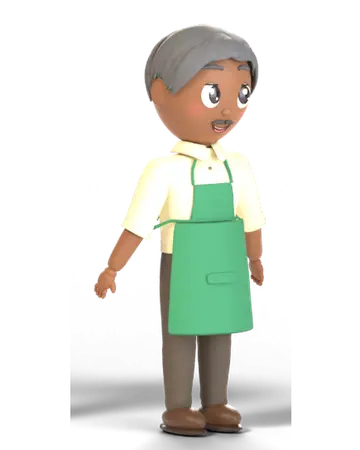
Characters to start with
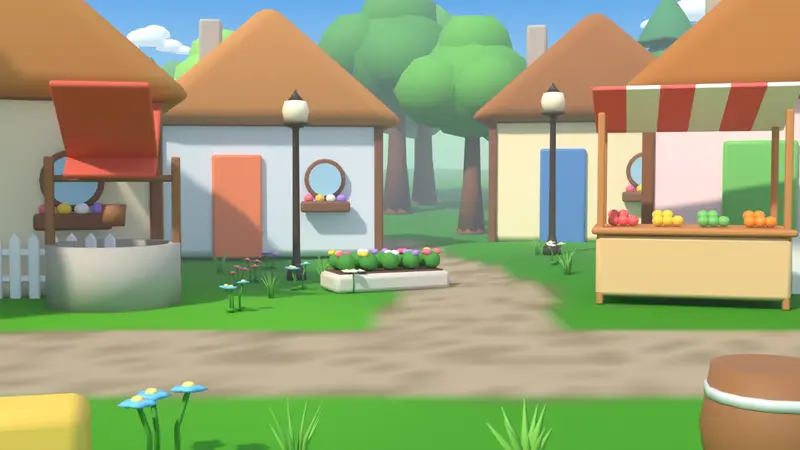
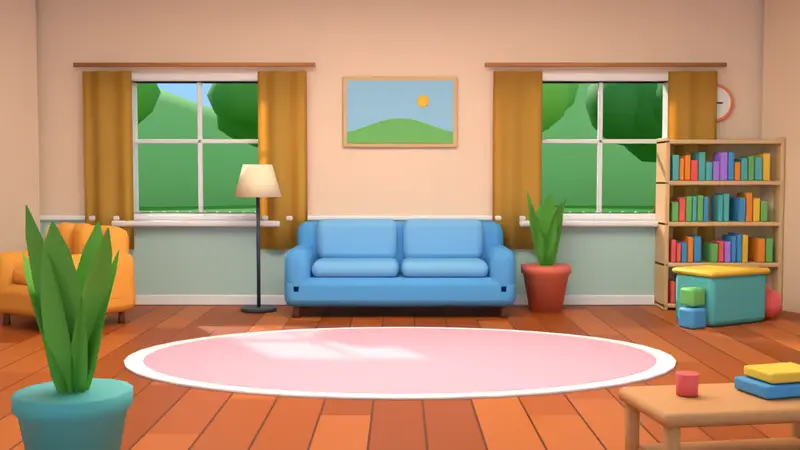
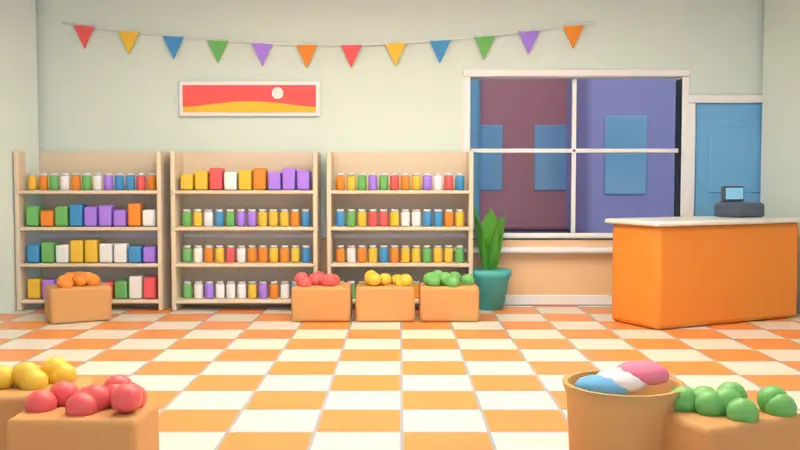
Places that fit
Frequently asked questions
Are the Urdu voices natural?
Not yet: the Urdu, Hindi and Arabic voices come from eSpeak NG, a small open-source engine with a robotic sound. Many creators record their own voice instead, which works on every plan.
Will the studio be translated?
The studio screens are English today. This website is being prepared for Urdu, Hindi and Arabic pages.
Do subtitles support Nastaliq?
Subtitles use Google Fonts that support Arabic script; Urdu reads right to left. The exact look depends on the font you pick in the subtitle settings.
Ready to make your first cartoon?
Write a few lines, press Play, and export a video. The Free plan needs no card.