An offline cartoon maker that works without AI
StoryToon runs in your browser and does the heavy work on your own computer: drawing, voices and video encoding. After the first visit it keeps working without internet.
What works offline
- Editing in Cards, Script and Timeline
- Preview and playback
- Voices you have already used (the models are kept by your browser)
- Recording your own voice
- Exporting the sound track as a WAV file
- Finishing an export that has already started
Starting a new MP4 export needs a connection and a signed-in account, because the server counts exports for your plan. The video itself is still rendered in your browser, and the file stays on your device unless you choose Render on my GPU (Beta) or save it to My videos, which stores the MP4 in your export history. Signing in, cloud projects, share links and buying a plan also wait until you are online again; your changes are saved on the device and synced later.
Why it works without AI
StoryToon understands scripts with fixed rules and a word list, and a rule-based director handles timing and camera. That means: the same script always gives the same video, nothing you write is sent to an AI service unless you choose an optional AI feature, there are no usage credits, and it is fast on normal laptops.
AI is optional
Nothing on this page needs AI, and AI features are off by default. The platform owner, and team admins within what the owner allows, can switch them on per plan, team or user. If they are on for your account, you can bring your own key (OpenAI, Anthropic, Google Gemini, DeepSeek, Mistral, Groq, OpenRouter or any OpenAI-compatible service) and let the AI director write a first script from your description. That script goes through the same parser and director as one you typed, and opens in the studio for you to edit by hand.
You pay your AI provider directly; StoryToon charges nothing for AI. Keys are stored encrypted, are write-only and are never logged, and AI features need an internet connection because they call your provider. See Use your own AI key.
Privacy
Videos are rendered in your browser and saved straight to your computer. The file stays on your device unless you choose Render on my GPU (Beta) or save it to My videos, which stores the MP4 in your export history. Otherwise our server only stores your account, your plan and small project files (encrypted per account) when you sign in. No ads and no tracking cookies. Privacy policy.
How to do it in three steps
Open StoryToon once online
The studio and the voices you use are stored by your browser.
Work anywhere
Edit and preview without internet; export when you are back online.
Sync later
When you are back online, cloud saving catches up automatically.
An example script
Copy it into Script mode and press Play:
TITLE: The Quiet Robot
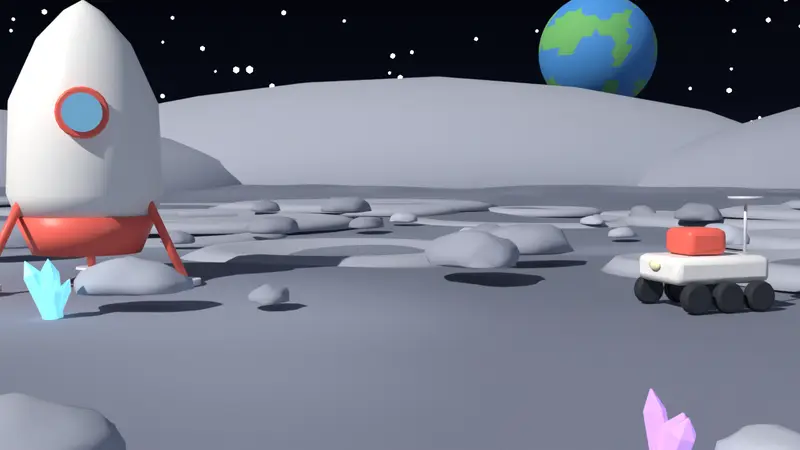
SCENE: space, night
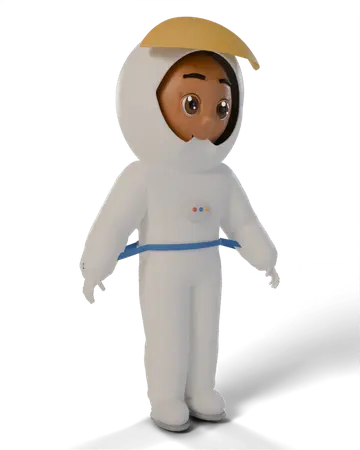
CAST: Bolt = robot, Nova = astronaut

Bolt walks in from left and stands at center
Nova enters from right
Nova (surprised): Bolt, there is no internet up here!
Bolt (happy): No problem. I work offline.
Nova laughs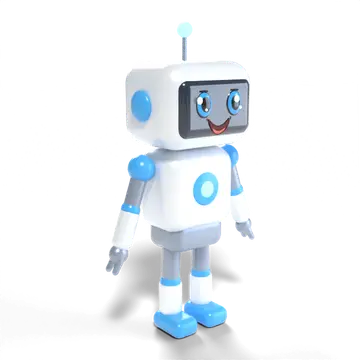

Frequently asked questions
Do I need to install an app?
No. StoryToon is a web app. Your browser keeps the files it needs, so once the studio is open, editing, preview and voices you have used keep working without internet. Starting a video export needs a connection.
Is anything sent to the cloud?
Only when you are signed in: your account, plan and small project files, encrypted. Videos and voices stay on your computer unless you choose Render on my GPU (Beta) or save a video to My videos, which stores the MP4 in your export history. If you use an optional AI feature, your request goes to the AI provider whose key is used, and StoryToon does not store your prompts.
Ready to make your first cartoon?
Write a few lines, press Play, and export a video. The Free plan needs no card.